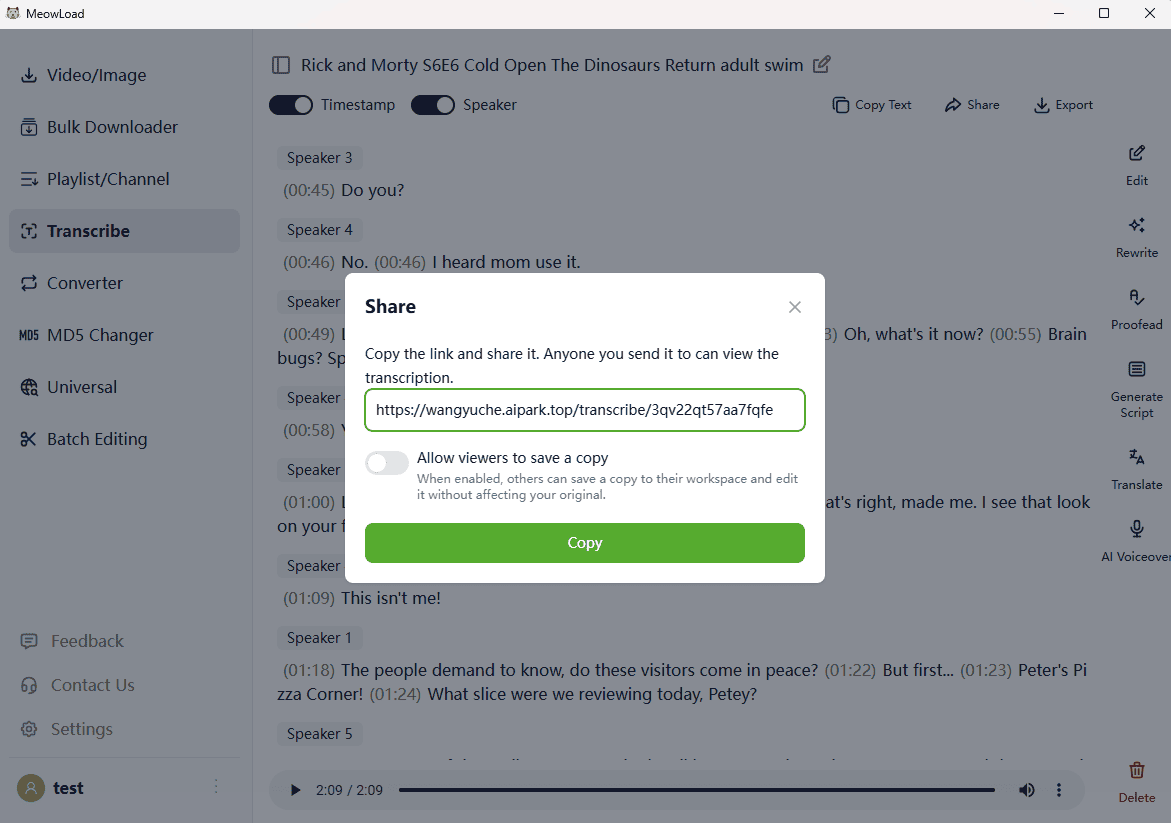
Next up is a game-changing feature that I highly recommend for content creators and voiceover enthusiasts! Simply upload your video, and MeowLoad will automatically detect the language and distinguish between different speakers. It supports hundreds of languages, and in my tests, the accuracy reached an impressive 99%!
Now, let's see how to use it.
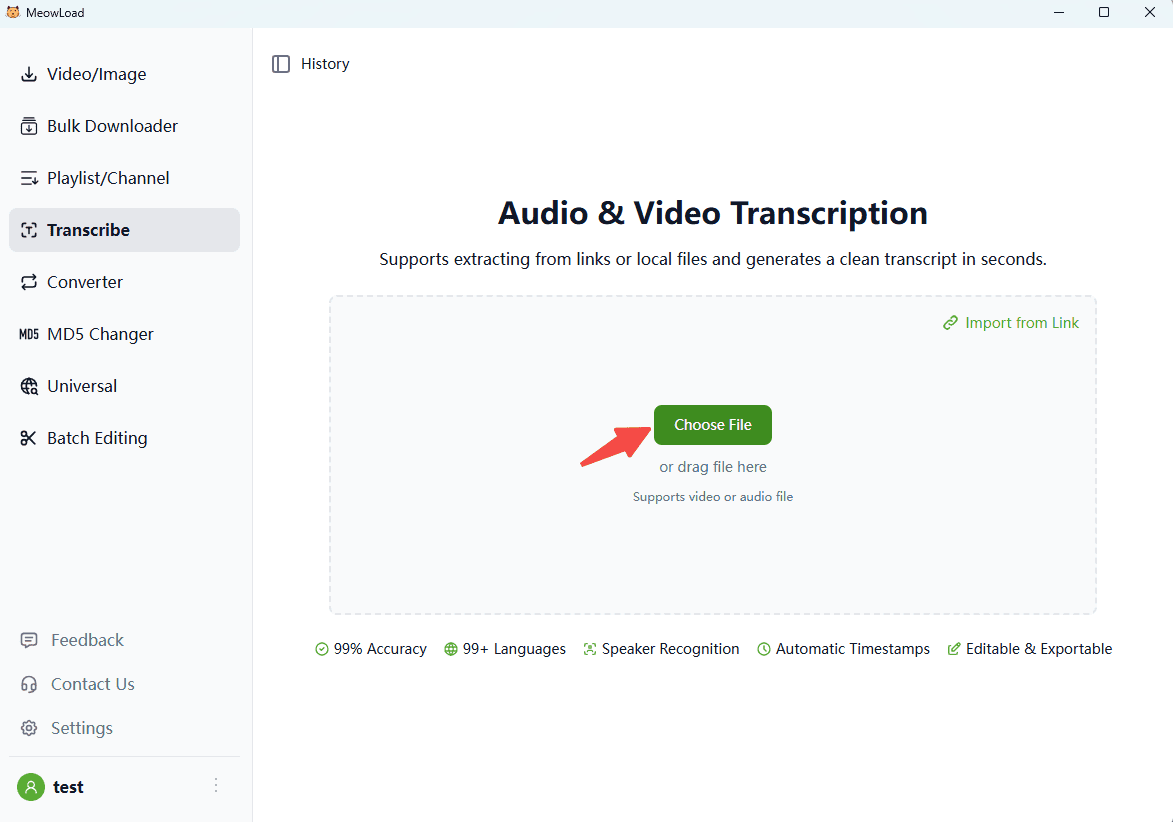
Step 1: Upload your media
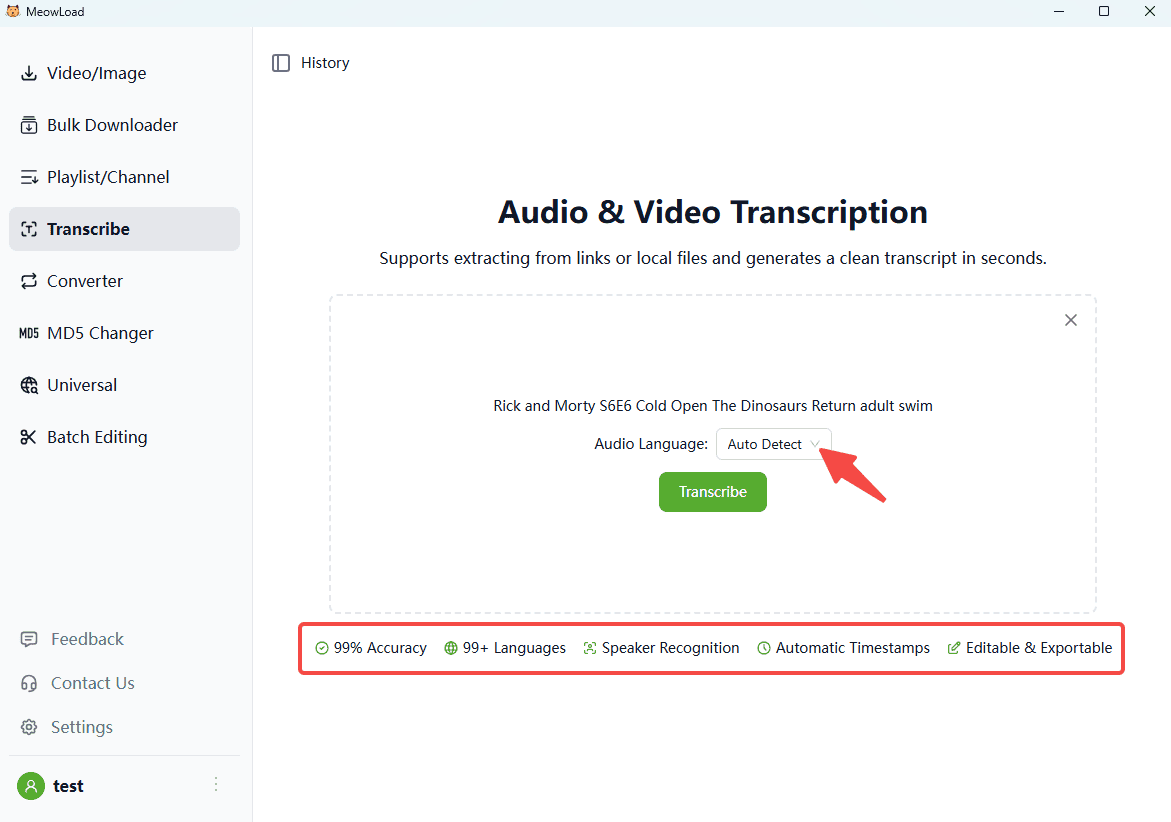
Select your local file or drag-and-drop it into the box to begin.
Step 2: Language settings
Language detection is automatic by default, but you can also select it manually from over 100 supported options. Then, click 'Transcribe'.
Step 3: Review your transcript
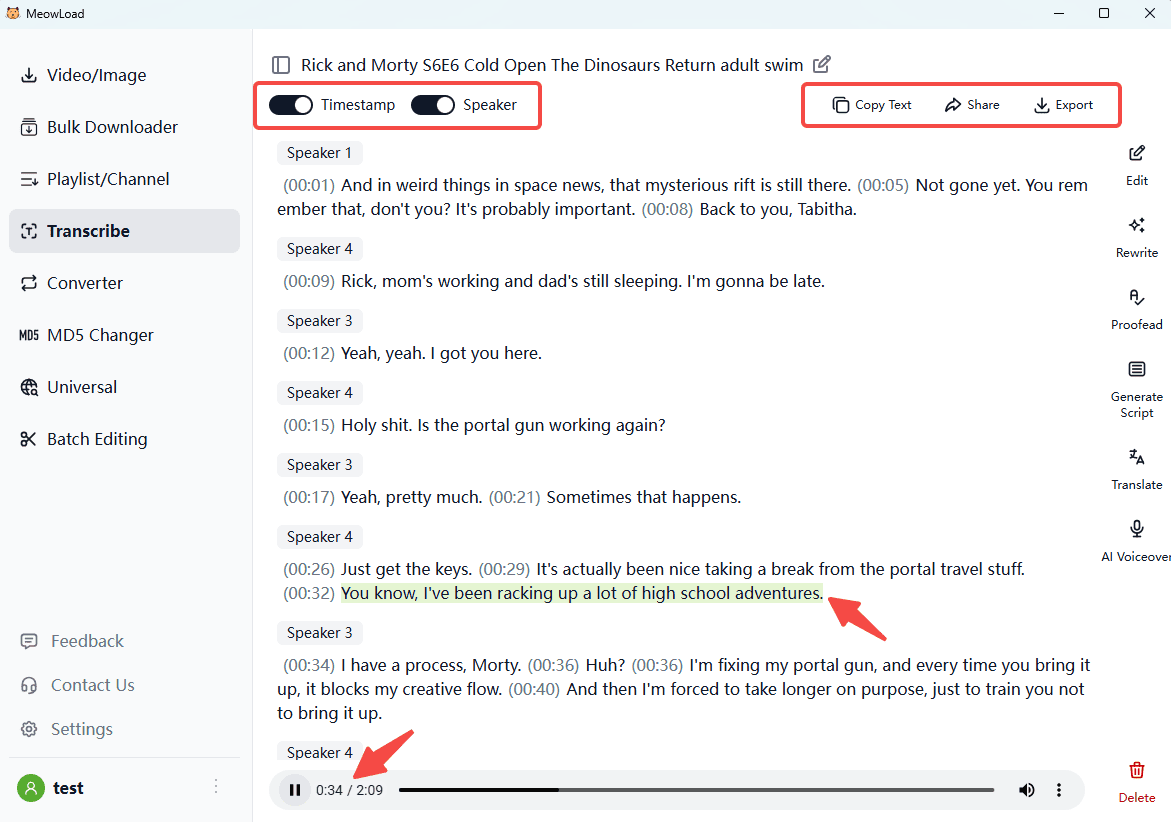
Once complete, your text will be organized by timestamps and speakers. You can even click any subtitle to play that specific part of the audio automatically.
Step 4: Copy, share, or export
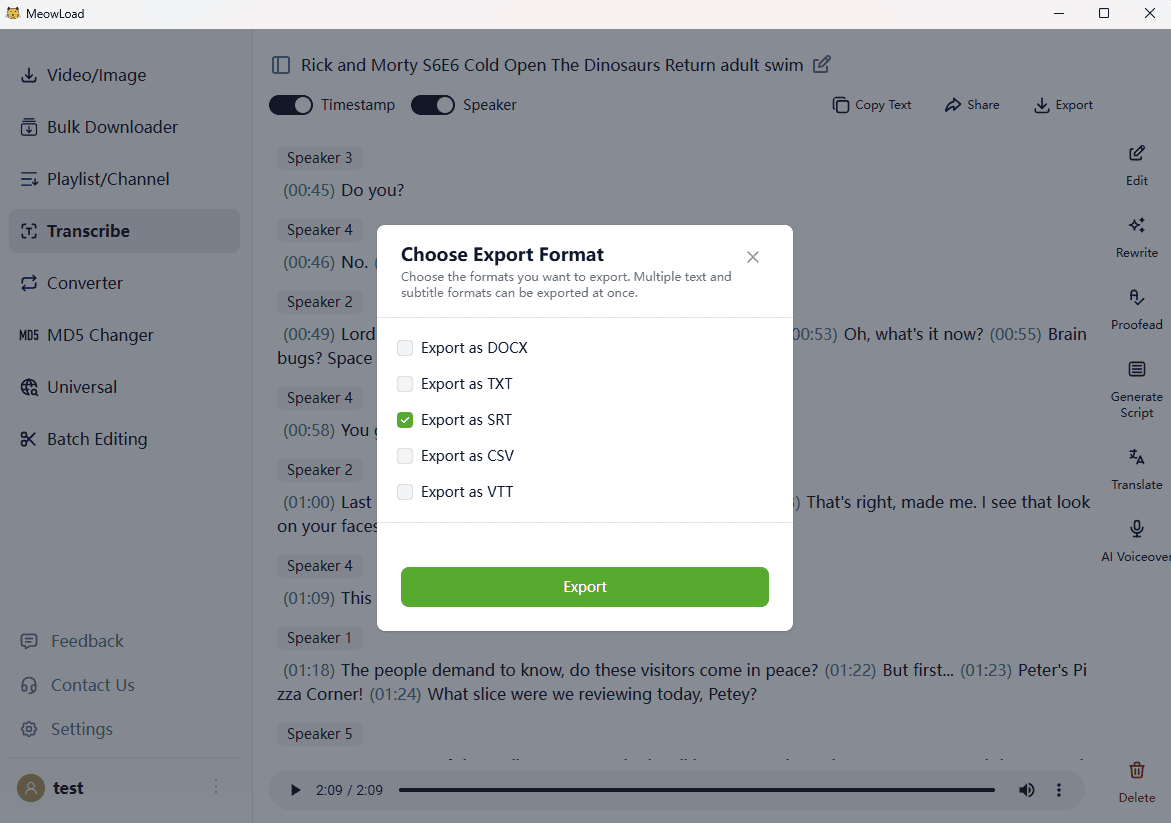
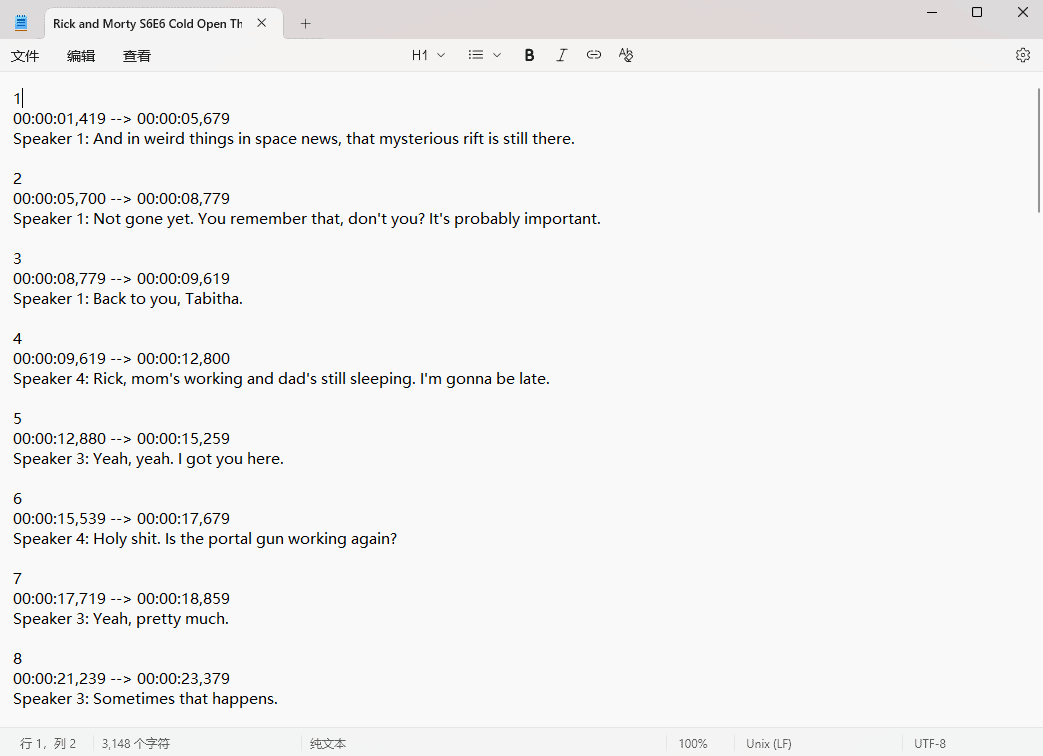
Easily copy the text, share the transcript link with others, or export it in your preferred format (SRT, DOCX, TXT, CSV, or VTT).